






Tired of long toll queues or service interruptions on your road trips? Simplify your travel with an updated FASTag KYC! This has transformed toll payments, but keeping your KYC details updated is essential for smooth journeys. If you don’t know how to update KYC for FASTag, Do not worry.
Here is a step-by-step process to enable hassle-free and cashless toll payments for smooth traveling.
Why is FASTag KYC important?
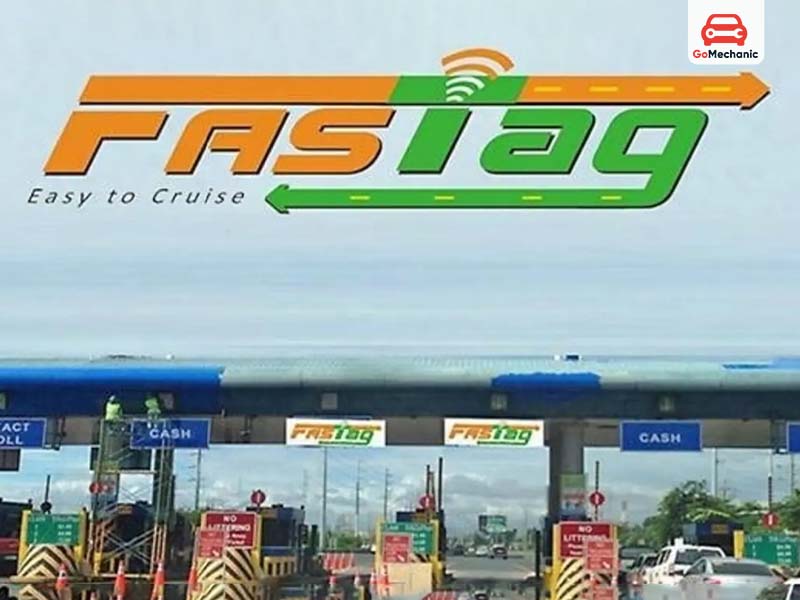
FASTag is something beyond mere payment at tolls. Fast Tag is an offshoot in modernizing India’s highways, which cannot be accessed if KYC details are not updated.
Here is why.
- Compliance with Law and Regulation: Government regulation for FASTag users requires that they have their KYC completed as per RBI guidelines.
- Avoid Deactivation: Your account for FASTag may get deactivated even though your balance is active if your KYC has not been updated online.
- Increased Security: Verified KYC prevents fraudulent activities during toll transactions.
- Effortless Travel: A FASTag KYC update online ensures hassle-free, cashless payment of tolls without any embarrassing delays. Keep your KYC updated and travel stress-free every time you hit the road.
What are the latest regulations of FASTag?
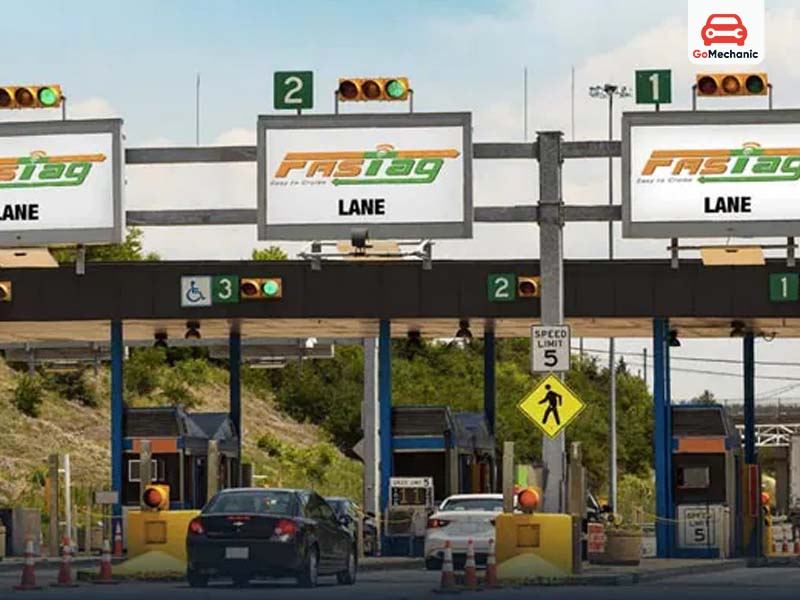
The National Highways Authority of India(NHAI), has the goal of enhancing the efficiency of toll payments. For that they have introduced the “One Vehicle, One FASTag” initiative. Under this initiative:
- Every car should have just one FASTag.
- Linking multiple FASTags on a single vehicle or using a single FASTag across multiple vehicles is not permissible.
- Non-compliance with these rules or failure to update KYC for FASTag can lead to suspension of accounts.
- The initiative emphasizes the importance of completing your FASTag KYC update online promptly.
KYC and FASTag Recharge Limits
The level of your KYC determines the limits and validity of your wallet, which is related to your FASTag wallet. Here’s everything you need to know:
Min KYC Wallets
- Rechargeing and Usage Limitation: Min KYC wallets are limited to ₹10,000 per month for loading and spending.
- Validity Period: The wallet is valid for activation date plus 24 months. Wallets, beyond this period of validity, will remain credit-frozen, and you won’t be able to load or utilize any funds unless upgraded to Full KYC. This freeze is for the sake of regulatory compliance.
Full KYC Wallets
- Recharge and Usage Benefits: Full KYC wallets make fully unrestricted usage without a monthly cap. However, the wallet balance is not allowed to more than ₹2 Lakh at a time.
- Validity Period: Full KYC wallets have extended validity, thus ensuring non-interrupted usage for the long term as well.
How to Check Your KYC Status in the FASTag Wallet
In case you are not sure about the KYC status of your wallet, this will give you detailed steps to check:
- Log In: Go to HDFC Bank FASTag Portal, and log in using your registered credentials.
- Go to Profile Section: Proceed to the ‘Profile’ section that is located on the top.
- KYC Status: The page will show your current KYC status, which may be either:
- Min KYC
- Full KYC
Why Was the “One Vehicle, One FASTag” Program Launched?
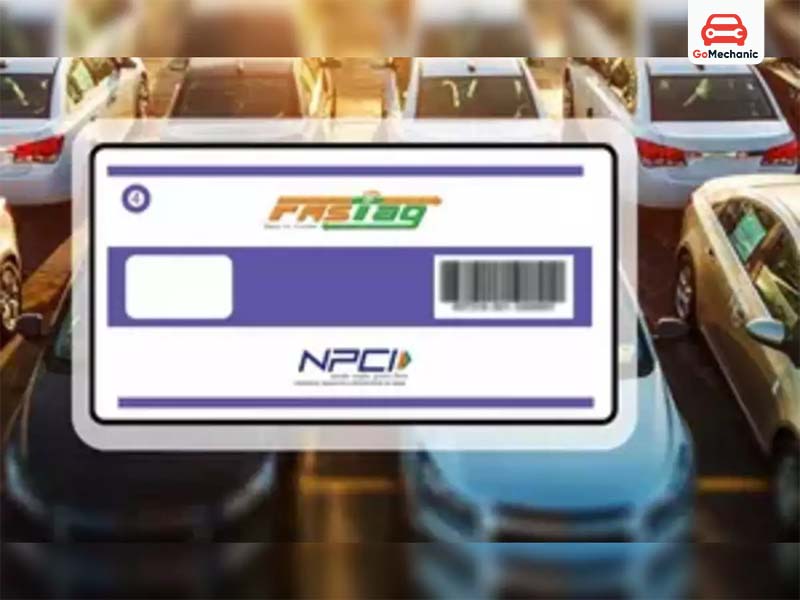
This initiative improves toll operations, by addressing these issues:
- It prevents the misuse of FASTags, ensuring smoother and more efficient toll collection.
- It reduces delays at the toll plazas, thereby providing a better experience for highway users.
Through all such measures, NHAI aims at a seamless travel experience for all, enforcing compliance and stopping wastefulness with the “One Vehicle, One FASTag” program as it seeks to transform toll operations nationwide.
What Documents Are Required for FASTag KYC Update Online?
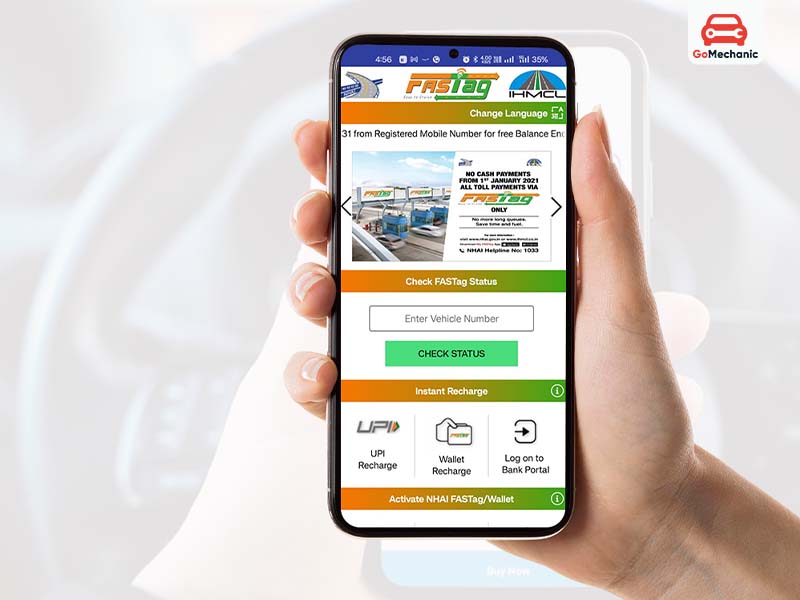
To ensure your KYC is completed without a hitch, gather the following documents:
- Vehicle Registration Certificate (RC)
- Driving License
- Proof of Identity (Aadhaar, Passport, or other ID)
- Proof of Address
- Passport-size Photograph
These documents are essential whether you’re updating your FASTag KYC online via the official portal or through your issuing bank.
If you need help accessing your monthly toll pass, check out our blog on Monthly Toll Pass Recharge: Understanding Fastag
How to update FASTag kyc?
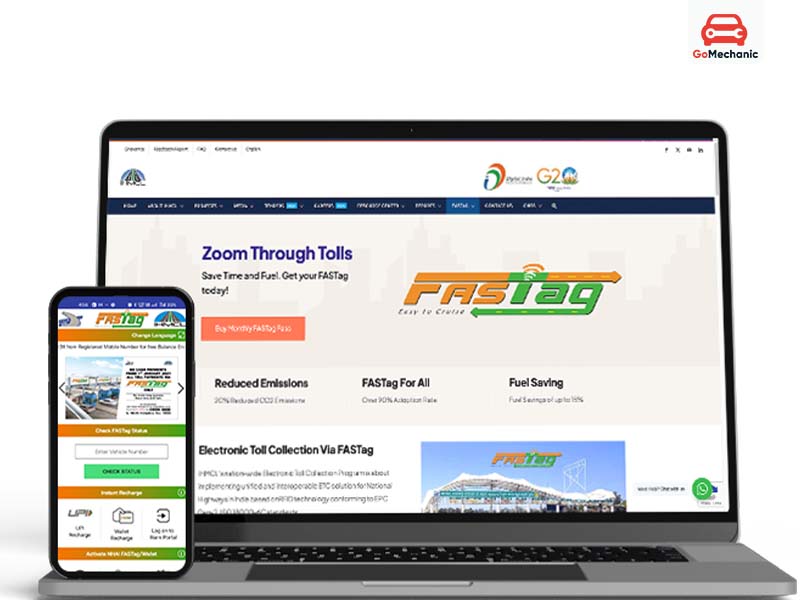
Updating your KYC details for FASTag is a straightforward process. Here’s how to do it:
Method 1: Through the FASTag Official Portal
- Visit Website: Go to the official FASTag portal at https://fastag.ihmcl.com/
- Login: Use your registered mobile number and authenticate through OTP.
- Home Page: Click on “My Profile,” and then choose the option of KYC.
- Uploading Documents: Upload copies of scanned RC, driving license, ID proof, and an address proof along with your photograph
- Application Form: Fill all details and submit your application.
Method 2: Logging onto Your Bank’s Portal
- Access Your Bank’s Portal: Open the portal of the bank where you had obtained the FASTag.
- Log In to Account: Login using the credentials with your account.
- Go to the FASTag Section: Find the FASTag services option and click on KYC Update.
- Add Documents: Attach all the required documents, such as RC, identity proof, and photograph.
- Submit the Application: Fill the form and wait for verification.
This method is also beneficial for users who are seeking knowledge on how to update Fastag KYC through their issuing authority.
Benefits of Fastag KYC Update Online
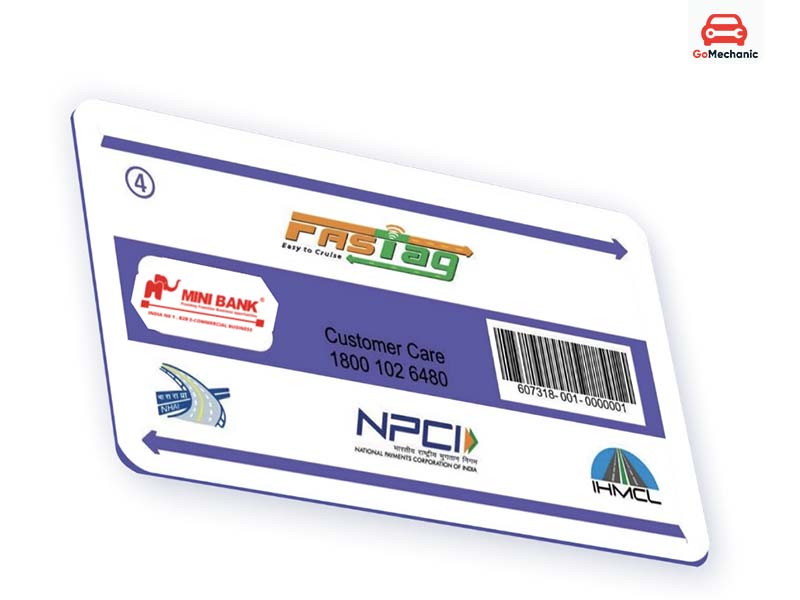
Completing your FASTag KYC benefits you in the following ways:
- No risk of deactivation of the account.
- Reduced waiting time at toll plazas;
- Quick and error-free deduction.
- Security of your account against unauthorized use with verified details.
With an updated FASTag KYC, you can avoid long queues, ensuring your car’s paint doesn’t suffer from prolonged exposure to India’s harsh weather conditions.
Learn more about: What is FASTag, Why it matters and How to buy FASTag online?
How to Check FASTag KYC Status?
Regular monitoring of the KYC status is important. Here’s how to do it:
- Visit the official FASTag portal.
- You will be asked to enter the registered mobile number and OTP.
- Click on “My Profile, and go into the KYC status section
- Make sure that all of your KYC details are updated
Ensure that there is no break in your toll pay services by checking your status.
Conclusion
A FASTag KYC Update Online is not only a regulatory requirement but also an essential passport to smooth, hassle-free travel on India’s highways. With the simple steps outlined above, you can prevent disruptions and improve security. It would save you from the usual hassle of getting delayed due to boring paperwork. For an immediate commuter or once-in-a-while traveler, a few minutes spent updating one’s FASTag KYC online would be sufficient. Before you know it, the convenience of modern tolls will also be embracing you as you hit the road!
FAQs
1. How do I update my KYC for FASTag online?
Updating your FASTag KYC online is a simple process. Log in to your FASTag issuer’s portal (like Paytm, ICICI, HDFC, SBI, etc.), go to the KYC/Update KYC section, and upload the required documents such as Aadhaar, PAN, and vehicle RC. Ensure the details match your registered information. After submission, verification usually takes 24-48 hours. Some banks also allow updates via mobile apps, so check with your provider for the fastest option.
2. Can we recharge FASTag without KYC?
Yes, but with restrictions. If your FASTag is in a minimum KYC wallet, you can recharge it, but there’s a cap on the balance and monthly usage. For full KYC FASTag, there are no such limits, and you can recharge freely. If your balance limit is exhausted due to KYC restrictions, updating your KYC is the only solution for seamless usage.
3. How to update a vehicle in FASTag?
If you’ve sold your car or changed your registration details, you need to update your vehicle information on FASTag. Log in to your FASTag account, find the Manage FASTag or Vehicle Update section, and upload the new RC details. If you’ve bought a new vehicle, close the existing FASTag and apply for a new one, as FASTags are linked to a specific vehicle registration number. Some banks allow direct transfers, but it’s best to confirm with your FASTag provider.


